Show your best work.
Keep before-and-after pairs together, add a caption to each case, and choose how long every slide stays on screen.
 SequenceEarly access
Sequence plays your photos and calming art on every TV in your practice, from reception to every treatment room, in exactly the order you arrange them, with music. Arrange once on your Mac, then send it to every screen.
In early access now. One TV is free. Works with Roku, Google TV and any TV with a web browser. Which TVs?
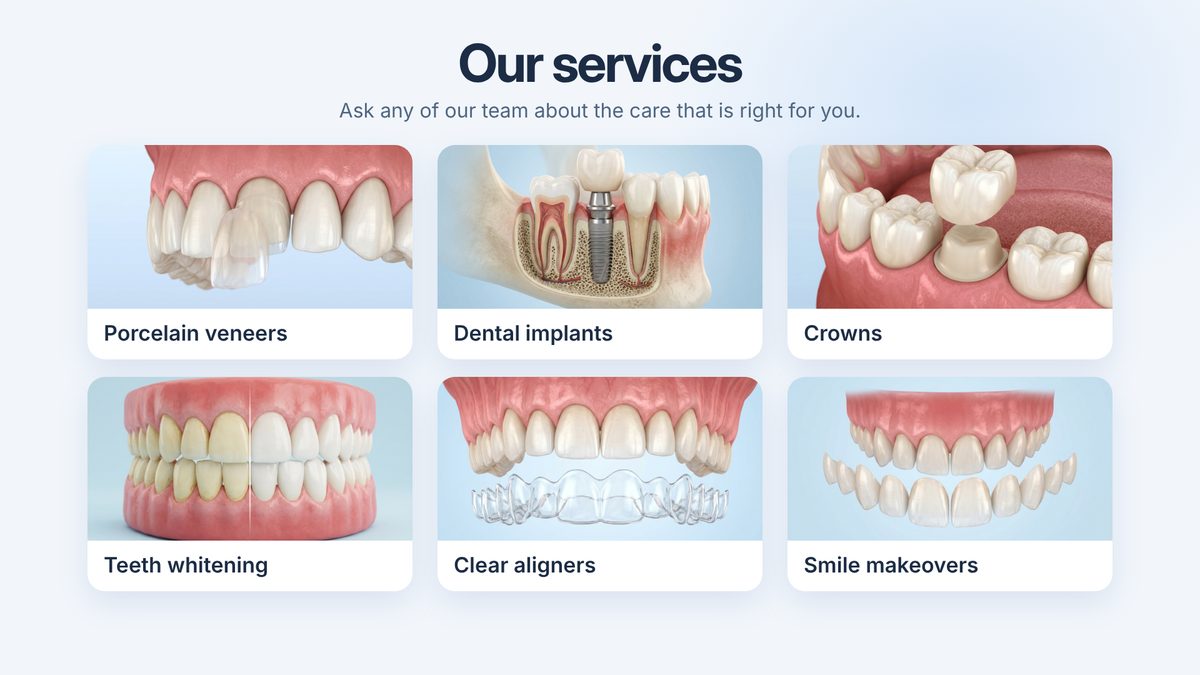
Interactive example with sample slides. The illustrations and doctors are AI-generated. Sequence plays any image you give it.
Keep before-and-after pairs together, add a caption to each case, and choose how long every slide stays on screen.
Play included lounge jazz, spa music or nature sounds, with paintings and nature collections between your own photos.
One computer in your office shares the slideshow with your TVs over your own Wi-Fi. Sequence does not upload or host your photos.
Put your photos in order, pick the mood, and send it to every TV.
Use the light table to arrange photos. Keep before-and-after pairs together, add captions, and choose how long each slide stays.
Choose included lounge jazz, relaxing spa music, or nature sounds. You can also add your own MP3 soundtrack.
Show your photos, or explore artwork and illustrated nature collections. Choose viewing ratios, gentle movement, and eight transitions. On TVs, photos play still with Dissolve or Instant; the other effects preview on your Mac.


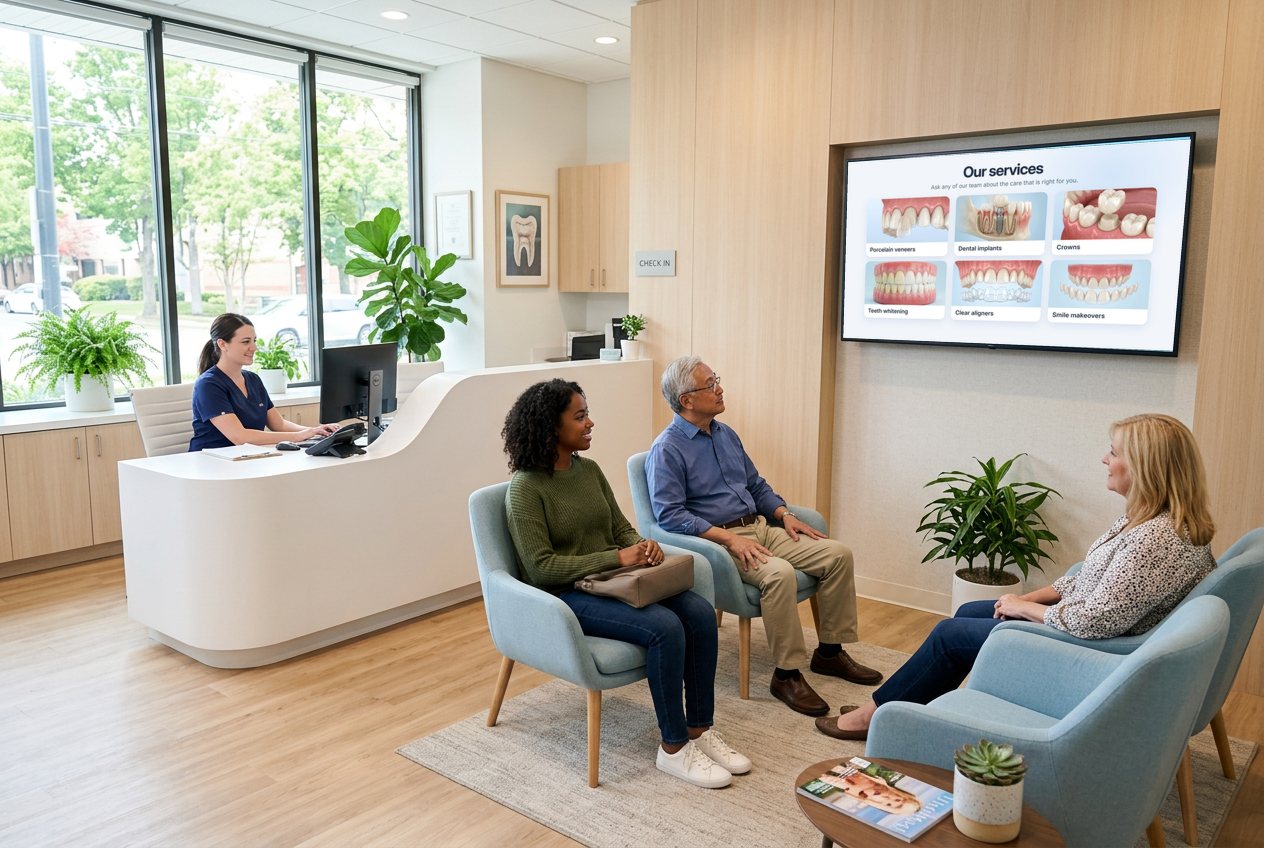
Greet everyone who walks in with your team, your services and your best work, in the order you chose.
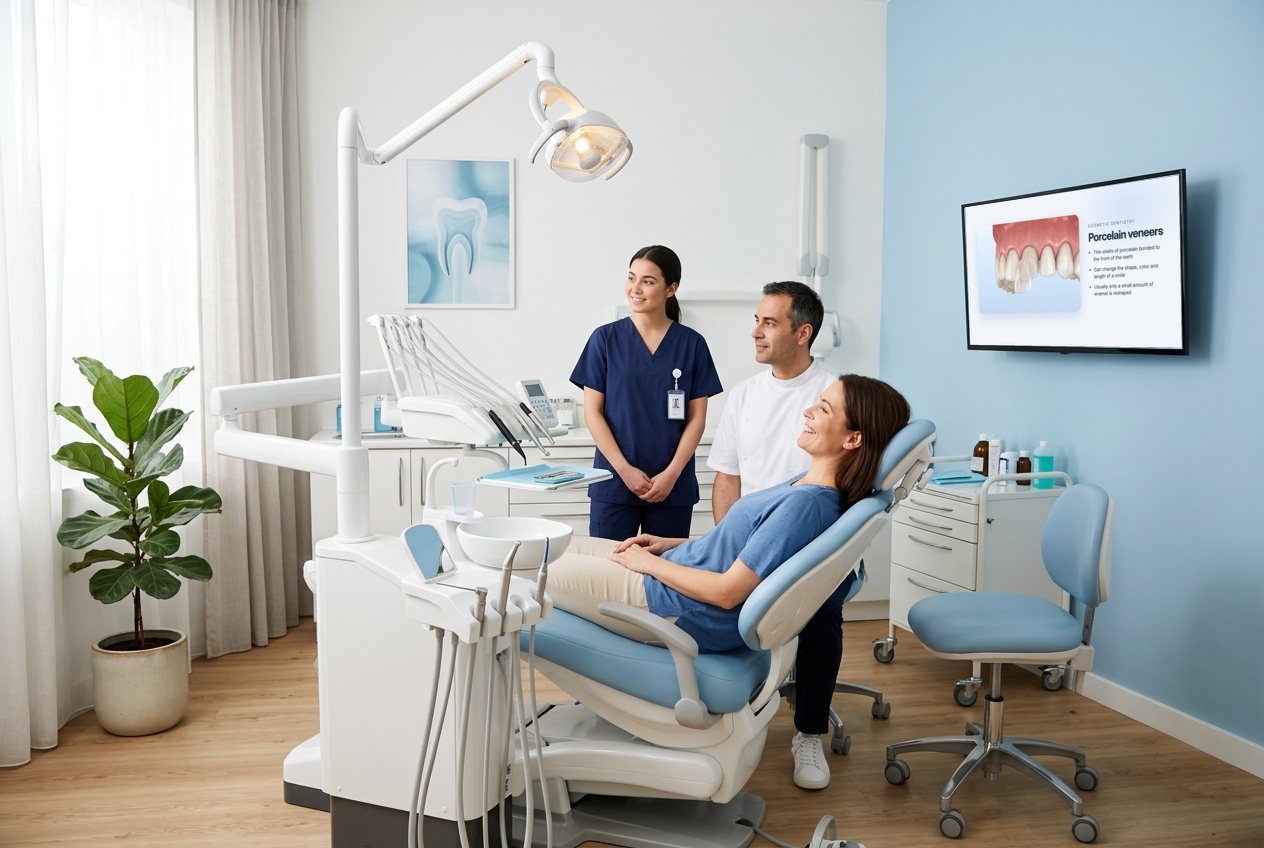
The waiting room, each treatment room and the hallway in between, all playing the same slideshow from one computer.
AI-generated scenes. The TVs show Sequence sample slides.
Photos, paintings, or both. The paintings below are public-domain works from the Art Institute of Chicago's open-access collection, shown as examples of what you can display, alongside an abstract collection shown with Sequence's gallery-white picture mat.

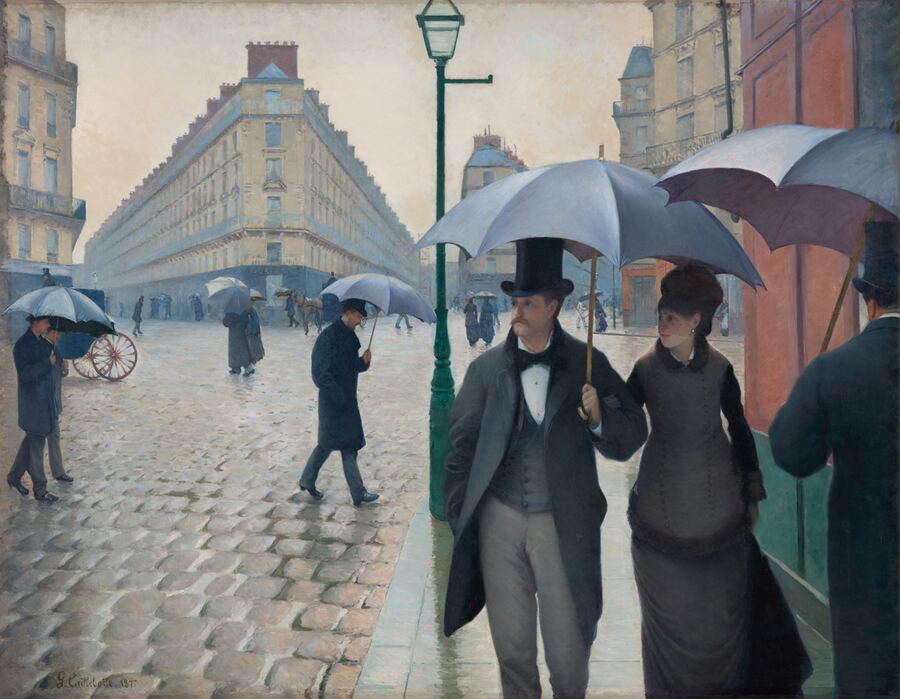
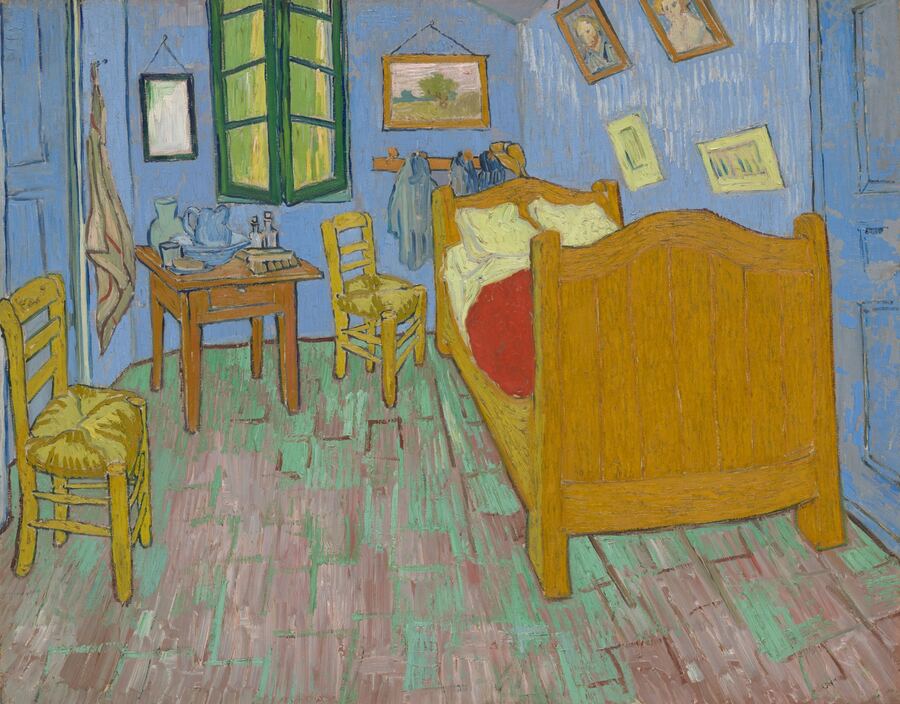

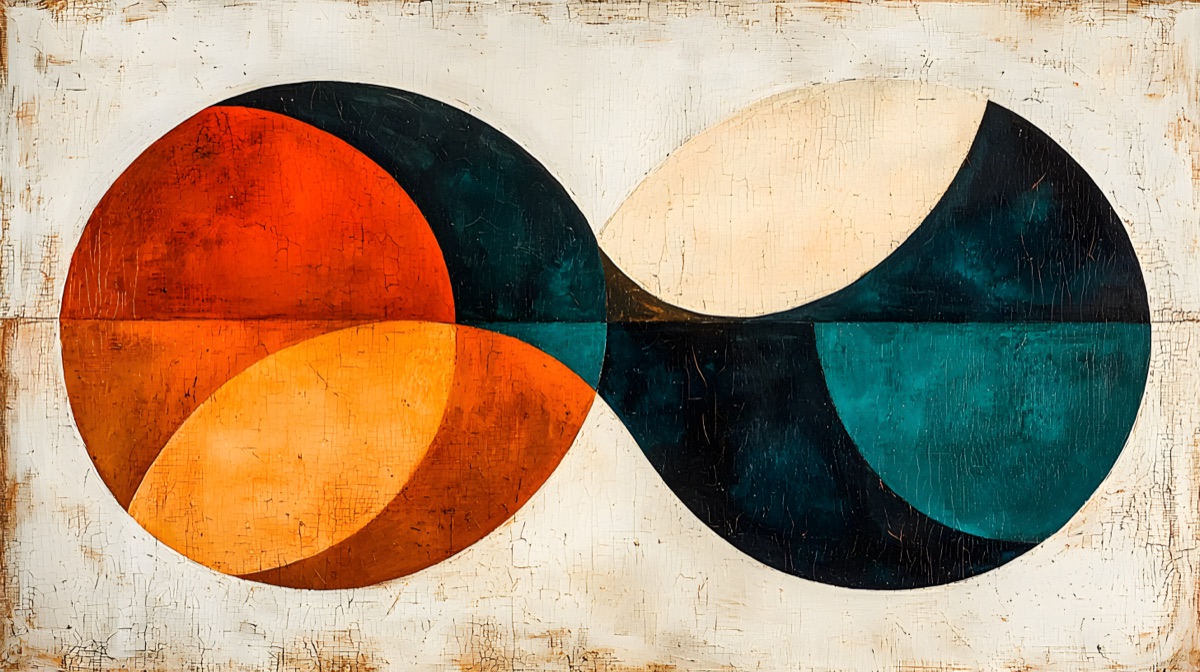




Abstract collection artwork © WondersbyWD, used with permission.
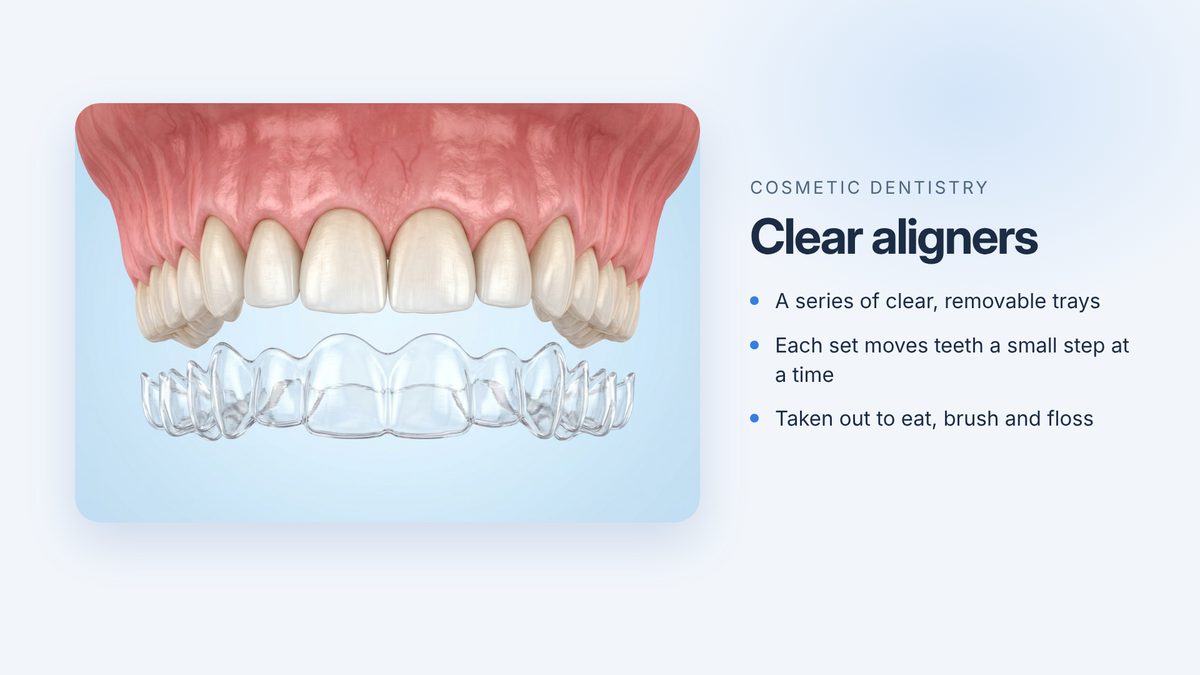
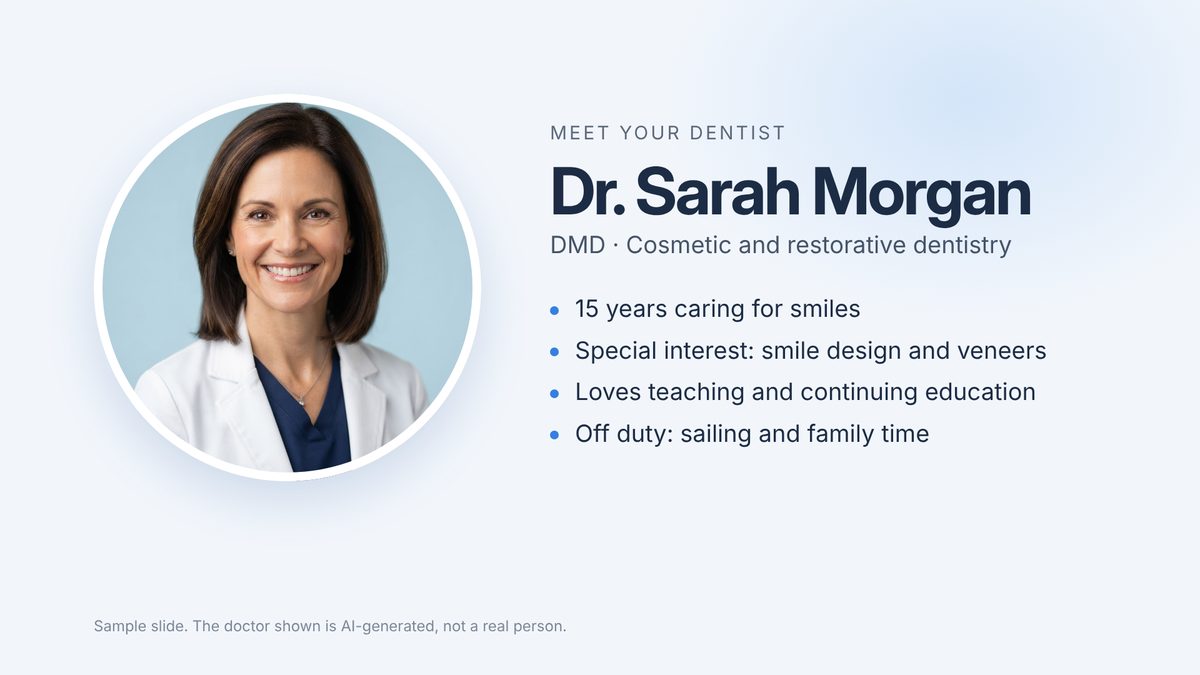
Sequence plays any image you give it. Mix patient-education slides and doctor bios in with your own photos, in the order you choose. These are sample slides. The illustrations and doctors are AI-generated, not real patients or people.
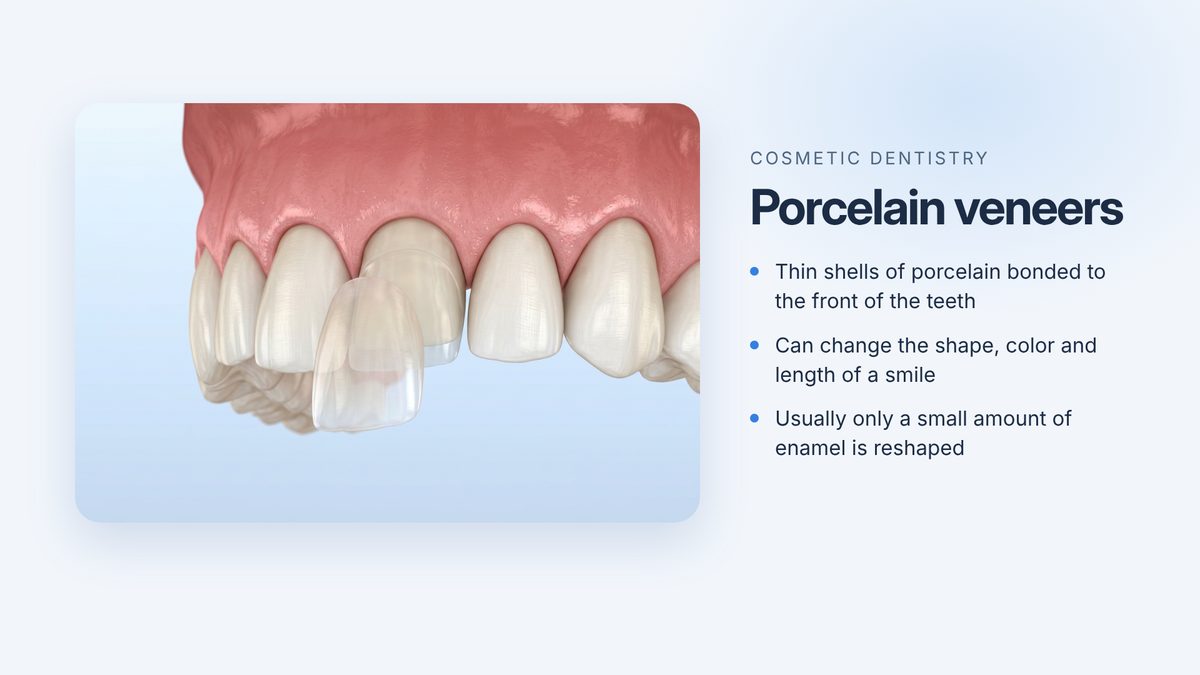
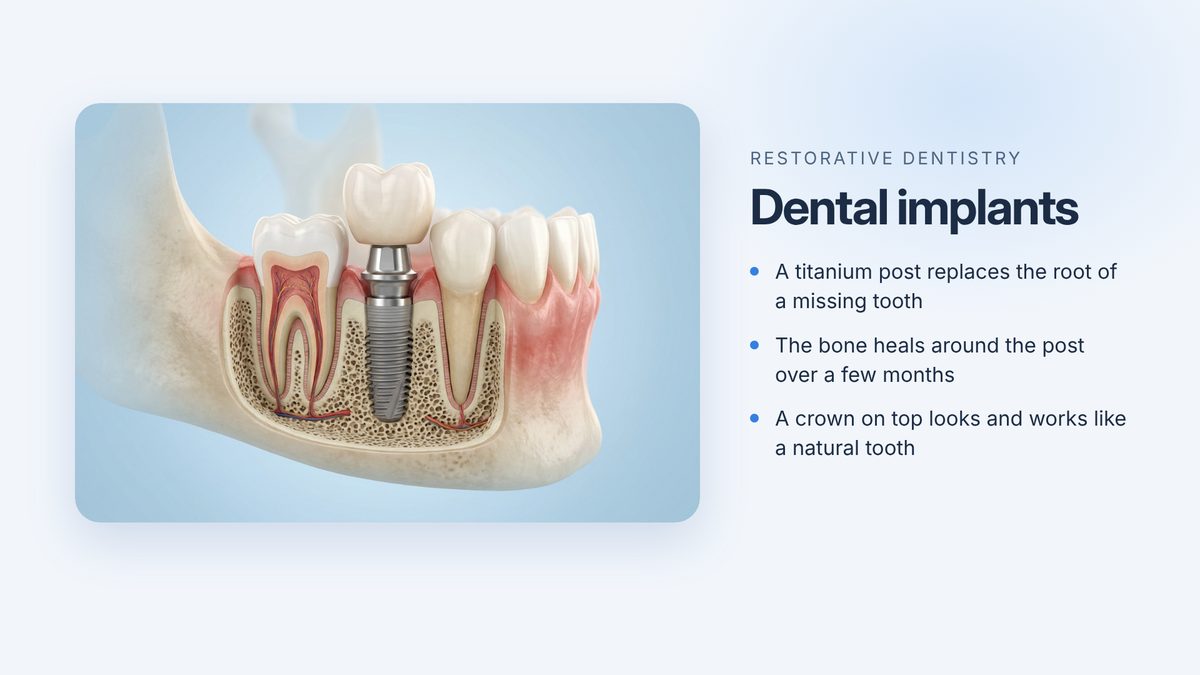

Sequence is being built for dental, medical and spa offices, and any business with screens to fill. Arrange once on your computer, then send it to every TV in the building.
Explore playback options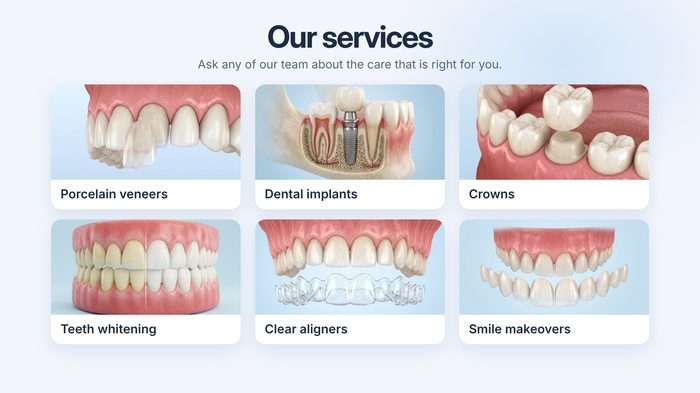 Reception
One location. One Multi account.
Sequence runs on one computer in your office and sends your slideshow to the TVs over your own Wi-Fi. Each TV needs one of these. Every TV app is still in testing.
Roku TVs (TCL, Hisense, Sharp, Roku-brand) and Roku streaming sticks.
Sequence app · in testingSony, TCL, Hisense, Philips Google TVs and the Chromecast with Google TV.
Sequence app · in testingFire TV Sticks, Fire TV Cubes and Fire TV edition televisions. Uses the Fire TV web browser for now.
Same app as Google TV later · in testingAny TV with a built-in web browser opens Sequence as a web page: type one address, enter a 6-digit code, done.
Web player · in testingPlug in a Roku, Fire TV or Google TV streaming stick (about $30) and it becomes a Sequence screen. This is also the simplest way to run a dozen rooms on identical hardware.
Uses the Roku or Google TV app · in testingApple TV is not supported yet. None of the TV apps is in a TV app store yet; early-access members install them with the step-by-step instructions on the Your TVs page in Sequence.
One TV is free. Multi and Business start with a free month.
One TV in reception or a waiting room.
Up to 5 TVs in one business location.
6 or more TVs in one business location.
Cancel any time. Cancel during your free month and you are never charged. Your photos stay on your own computer and network; Sequence does not host them.
Now, in early access. Choose Multi or Business to start your free month, and we email you the Mac app within one business day. For the Free plan, join early access and we will email you when it is ready. None of the TV apps is in a TV app store yet; early-access members install them from the Your TVs page in Sequence.
Roku and Google TV / Android TV have Sequence apps, all in testing. Fire TV uses its web browser for now and will get the same app as Google TV. Samsung, LG, VIZIO and other TVs with a web browser use the Sequence web player. Any TV with an HDMI port can use a $30 Roku, Fire TV or Google TV stick. Apple TV is not supported yet. See Which TVs work? and the step-by-step setup for every TV.
The Sequence app for Mac. It opens the slideshow editor and quietly shares your slideshow with the TVs from the menu bar. Your photos stay in a folder on that computer. There is no Windows version.
Yes. Drop in HEIC photos straight from an iPhone, as well as JPEG, PNG and WebP. Sequence converts them for the TVs.
On your own computer. One computer in your office shares the slideshow with your TVs over your own Wi-Fi. Sequence does not upload or host your photos.
Free covers one TV. Multi covers up to 5 TVs at one location. Business covers 6 or more TVs at one location. Multi and Business are monthly, with the first month free.
The free month is for Multi and Business. Choose one and add a card. The first month is free, and Link, Stripe’s payment service, emails you a reminder before it ends. After that, your plan is charged monthly until you cancel. Cancel before the free month ends and you are never charged. The Free plan for one TV has no monthly fee.
Waiting-room TV services such as ViewMedica, Optio TV and ADA TV+ sell patient-education videos, from about $69 to $125 a month. Signage platforms such as Yodeck and OptiSigns charge about $8 to $10 per screen each month. Sequence plays your own photos with music included, and $9.99 a month covers up to 5 TVs. See the full comparison at sequencetv.com/compare.html.
Sequence was built for dental, medical and spa offices. It keeps before-and-after pairs together, adds captions, plays calm music, and sends one slideshow to the waiting room and every treatment room. Get written consent before you show any patient's photos.
Original lounge jazz, spa, and nature soundscapes made for Sequence, or your own MP3s. Playing personal streaming accounts in a business may require a business music license.
No email app? Write to hello at sequencetv dot com